Card testing attacks are a growing threat for online stores. Even when fraudulent transactions are blocked by the payment processor, the attack traffic can still overwhelm a site with failed checkout attempts and fake orders.
This guide outlines an effective method to stop persistent card testing attacks on WooCommerce entirely — preventing bots from reaching the checkout process or generating unwanted orders.
The approach uses built-in WordPress and WooCommerce hooks, requires no paid security plugins, and maintains full compatibility with legitimate checkout activity.
What Are Card Testing Attacks?
A card testing attack occurs when fraudsters use automated bots to test stolen or generated credit card numbers on ecommerce checkout pages.
The goal is to find valid cards that can later be used for larger purchases elsewhere.
Common symptoms of card testing attacks include:
- A sudden surge in failed transactions
- Orders appearing with “Origin: Unknown”
- Checkout requests from foreign or suspicious IP addresses
- Repeated small-value transactions occurring in rapid succession
Even if the payment gateway declines each attempt, WooCommerce may still create a failed order entry for every submission, filling up the Orders list and generating unnecessary load on the site.
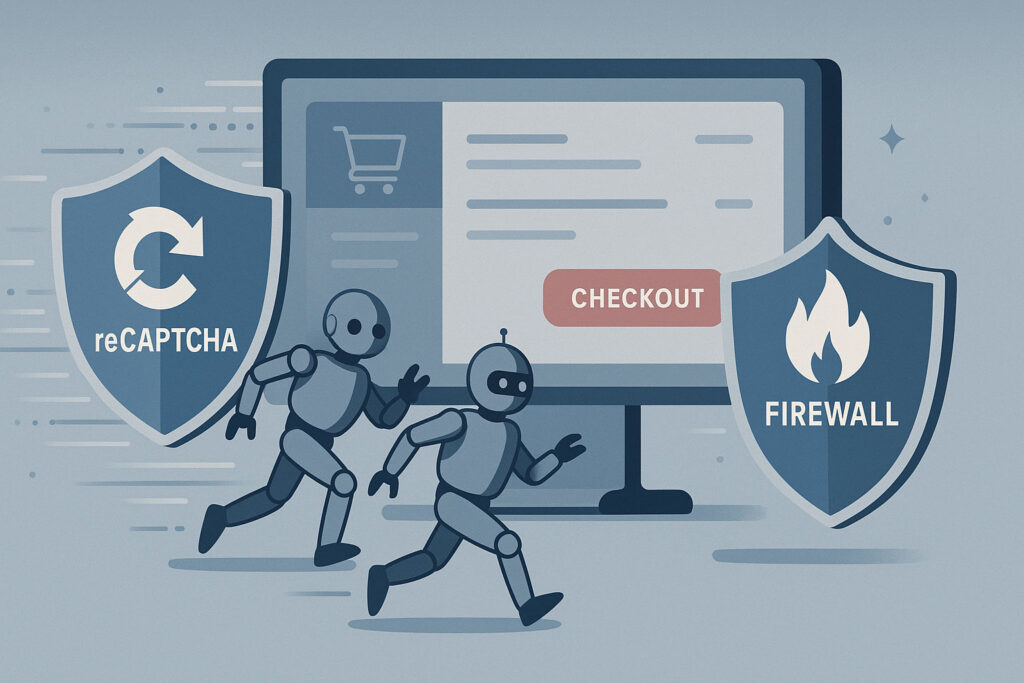
Why Common Protections Don’t Work
Most store owners try to mitigate these attacks using CAPTCHAs, honeypots, or firewall plugins. While those tools can reduce spam, they rarely stop bots that target WooCommerce’s backend checkout endpoints directly.
WooCommerce’s AJAX and REST API endpoints are public by design and handle legitimate transactions. These include URLs such as:
/?wc-ajax=checkout
/wp-json/wc/store/checkout
/wp-json/wc/v3/orders
Attackers can exploit these endpoints to send checkout requests programmatically — without ever visiting the actual checkout page.
Step 1: Restrict Unauthenticated Access to the WooCommerce REST API
The first and most effective step is to prevent unauthenticated users from accessing WooCommerce REST API routes. This stops bots from directly posting fake orders to endpoints like /wp-json/wc/v3/orders.
Add this code snippet to your theme’s functions.php file or a small site-specific plugin:
add_filter( 'rest_authentication_errors', function( $result ) {
    if ( true === $result || is_wp_error( $result ) ) {
        return $result;
    }

    if ( ! is_user_logged_in() ) {
        return new WP_Error(
            'rest_not_logged_in',
            __( 'REST API restricted to authenticated users.' ),
            [ 'status' => 401 ]
        );
    }

    return $result;
});
Why this works
This filter ensures that only authenticated users can access WooCommerce’s REST API endpoints. Bots and unauthorized scripts that attempt to post directly to the API will receive a 401 Unauthorized response before WooCommerce ever processes the request.
If the store allows customers to create accounts automatically during checkout, legitimate transactions continue to function normally.
Step 2: Add Server-Side Browser Verification for Checkout Requests
Some bots do not use the REST API and instead target WooCommerce’s AJAX-based checkout routes. To block these, add a lightweight browser validation layer.
Example:
add_action( 'init', function() {
    if ( isset( $_SERVER['REQUEST_URI'] ) && strpos( $_SERVER['REQUEST_URI'], 'wc-ajax=checkout' ) !== false ) {
        if ( empty( $_SERVER['HTTP_REFERER'] ) || empty( $_SERVER['HTTP_USER_AGENT'] ) ) {
            wp_die( 'Access denied', 'Access Denied', [ 'response' => 403 ] );
        }
    }
});
How this helps
This check ensures that any request to ?wc-ajax=checkout originates from a real browser session with valid headers. Bots that attempt to send raw HTTP POST requests without standard browser information are blocked instantly.
Step 3: Verify That the Attacks Have Stopped
After implementing the filters above:
- Monitor the WooCommerce Orders page — no new “Unknown origin” or fake failed orders should appear.
- Review the server access logs — requests to
/wc-ajax=checkoutor/wp-json/wc/should return 401 or 403 errors. - Confirm that legitimate transactions still complete successfully.
Within a short time, the fraudulent traffic should drop to zero.
Step 4: Maintain Normal Checkout Functionality
These security measures operate behind the scenes and do not interfere with normal customers.
Genuine shoppers can browse, add products to their cart, and complete purchases as usual. The added checks only block automated, non-browser requests that attempt to simulate a checkout submission.
Results
Implementing both authentication and browser verification filters completely stopped the card testing attempts.
- No more fake or “unknown” orders appeared in WooCommerce.
- Checkout performance remained unaffected for legitimate users.
- Attack traffic to checkout endpoints was blocked at the server level.
This solution works entirely through native WordPress and WooCommerce functionality and does not rely on external security services.
Why This Solution Is Effective
- Blocks fraudulent bots before WooCommerce processes the request
- Prevents fake orders from appearing in the dashboard
- Lightweight and compatible with all hosting environments
- No additional plugins or subscriptions required
- Invisible to legitimate users
Conclusion
Card testing attacks exploit open checkout endpoints to flood ecommerce sites with fake transactions. By restricting access to the WooCommerce REST API and validating AJAX checkout requests, it’s possible to stop these attacks entirely — before they ever reach the payment gateway.
This approach provides a practical, cost-free, and long-term fix for any WooCommerce store facing persistent card testing attempts.
Disclaimer
All code examples and configurations provided in this article are for educational purposes only. They should be thoroughly tested in a staging or development environment before being applied to a live website. No responsibility is assumed for any issues, errors, or damages that may result from using the code or techniques described here.
source https://alkalyne.com/blog/woocommerce-card-testing-attack-prevention/



No comments:
Post a Comment